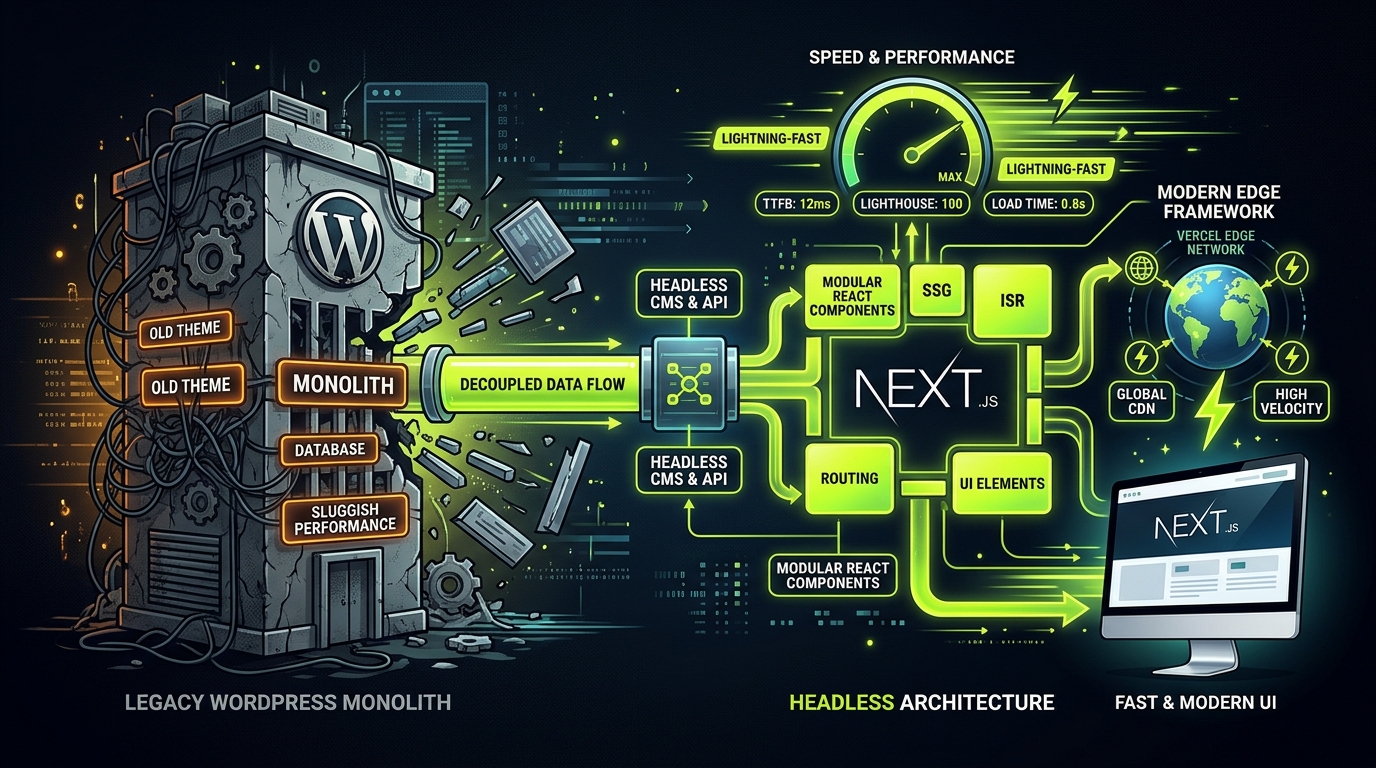
The Legacy Tech Debt Spiral: 50+ Plugins, Sluggish TTFB, and Security Leaks
It starts innocently: a business launches on WordPress, installs a popular visual page builder, and adds plugins for SEO, contact forms, caching, security, social feeds, and analytics.
Five years later, that website is an unmaintainable monolith:
- 50+ active plugins, each injecting their own stylesheet and unoptimized JavaScript script tags into every page request.
- Mobile PageSpeed scores hovering between 25 and 45, failing Google Core Web Vitals and lowering paid ad quality scores.
- Constant security alerts: Outdated plugins create zero-day vulnerabilities, requiring continuous emergency patching.
- Content paralysis: Marketing teams are terrified of updating plugins or changing layouts because one update might break site styling.
When business leaders realize their site is repelling prospective clients, they ask the fundamental question: Do we clean up the existing WordPress site, decouple it with a headless frontend, or scrap it for a modern full-stack application?
Evaluating the Three Strategic Paths
                       ┌───────────────────────────────┐
                       │  Legacy WordPress Assessment  │
                       └──────────────┬────────────────┘
                                      │
            ┌─────────────────────────┼─────────────────────────┐
            ▼                         ▼                         ▼
   [Option 1: Refactor]     [Option 2: Headless Next.js]  [Option 3: Full Rebuild]
   Keep WP Monolith         Keep WP as Headless CMS       Modern Stack (Next/Supa)
   Clean Plugins & DB       React/Next.js Edge Frontend   Maximum Speed & Control
   Lowest Cost / Short Lifespan   Best for High Content Volume   Best for Web Apps & Portals
Option 1: In-Place Refactoring (The Short-Term Bridge)
- What it is: Auditing the existing theme, eliminating 60% of unnecessary plugins, implementing server-level Redis caching, and optimizing media via modern WebP CDNs.
- Best for: Small businesses on tight budgets ($5k – $15k) needing immediate stabilization without changing core editorial workflows.
- Drawbacks: Only extends the site lifecycle by 12–18 months. The underlying architectural limitations of PHP and plugin conflicts remain.
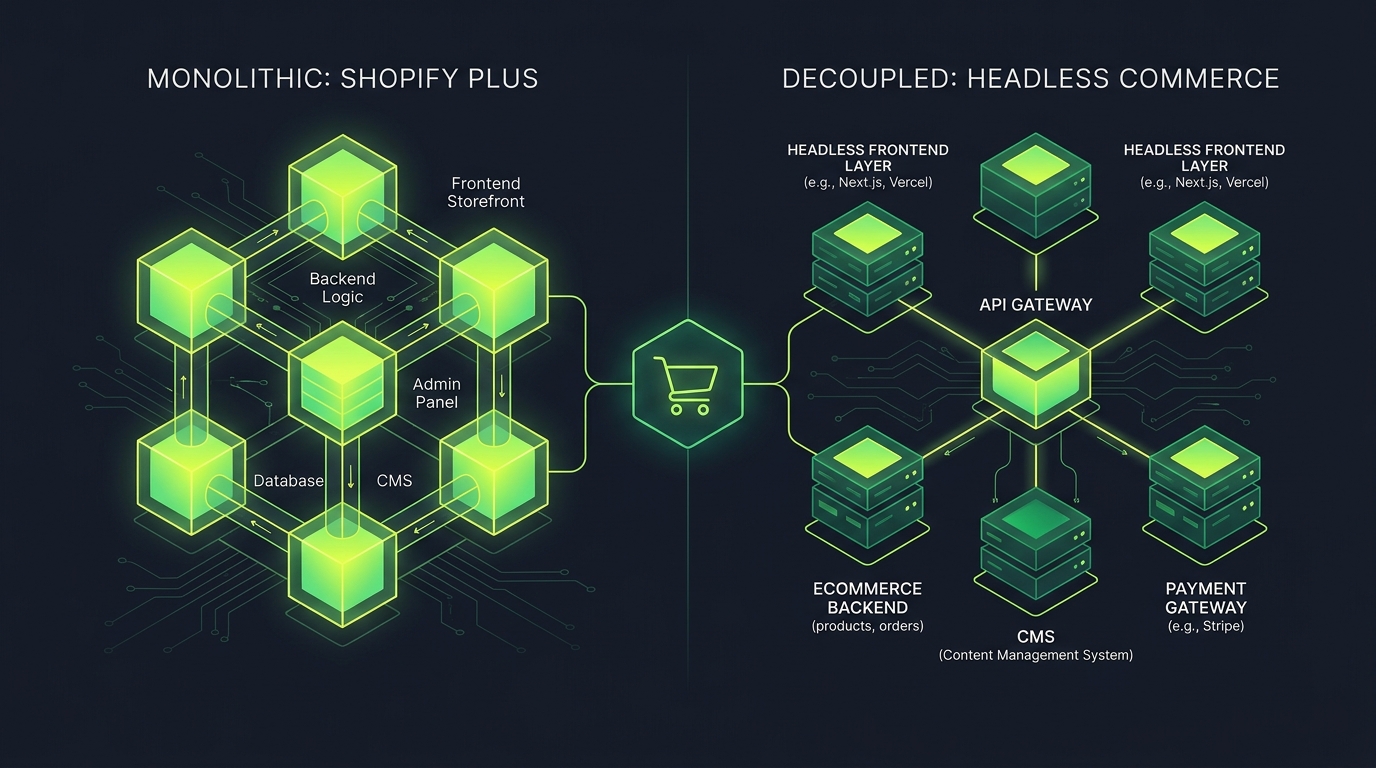
Option 2: Decoupled Headless WordPress with Next.js (The Best of Both Worlds)
- What it is: Keeping the familiar WordPress admin dashboard for content editors, but completely ditching the WordPress frontend theme. Next.js fetches data via the WP REST API or WPGraphQL and renders pages on edge CDNs.
- Best for: High-traffic publishing companies, media brands, and marketing teams with thousands of existing blog posts who love WordPress's editorial editor (Gutenberg) but require sub-second page loads, ironclad security, and custom React features.
- Key Advantage: Your public website has zero PHP execution and no exposed
/wp-adminor/xmlrpc.phpendpoints for hackers to probe.
Option 3: Complete Modern Full-Stack Rebuild
- What it is: Leaving WordPress entirely. Building on modern frameworks (Next.js, Tailwind CSS, TypeScript, and Supabase or Sanity CMS).
- Best for: Businesses whose websites have evolved beyond marketing brochures into dynamic platforms with customer portals, booking engines, authentication, and SaaS tools.
- Key Advantage: 100% control over design system, zero plugin dependencies, near-zero hosting costs, and top-tier Core Web Vitals.
Core Web Vitals Comparison Across Architectures
| Metric | Monolithic Bloated WordPress | Refactored WordPress | Headless Next.js + WP | Modern Custom Web App |
|---|---|---|---|---|
| Mobile Performance Score | 28 / 100 | 65 / 100 | 95 / 100 | 98 / 100 |
| Time to First Byte (TTFB) | 1.8s | 600ms | 80ms (Edge Cache) | 60ms (Edge Cache) |
| Largest Contentful Paint (LCP) | 4.6s | 2.5s | 1.1s | 0.8s |
| Security Risk Profile | High (50+ plugin attack surfaces) | Medium | Near Zero (No public PHP) | Zero (Static edge delivery) |
How to Plan a Modernization Migration Without Breaking SEO
- Audit Every URL & Keyword: Catalog all high-ranking organic pages in Google Search Console before touching code.
- Component Mapping: Convert fragmented shortcodes and visual builder blocks into clean, reusable React components.
- Structured Data Implementation: Replace bloated SEO plugins with native JSON-LD Schema.org data for Organization, Articles, and FAQs.
- Deploy on Edge Infrastructure: Host the new frontend on edge networks with global CDN caching.
Conclusion & Partner Selection
Continuing to patch a decade-old WordPress architecture costs more in lost client conversions and emergency developer retainers than modernizing.
Whether your business needs a high-performance Headless WordPress implementation or a sleek, custom Next.js web application, Elvantro engineers solutions built for speed, conversion, and longevity.