Why 70% of WooCommerce to Shopify Migrations Suffer Revenue Drops
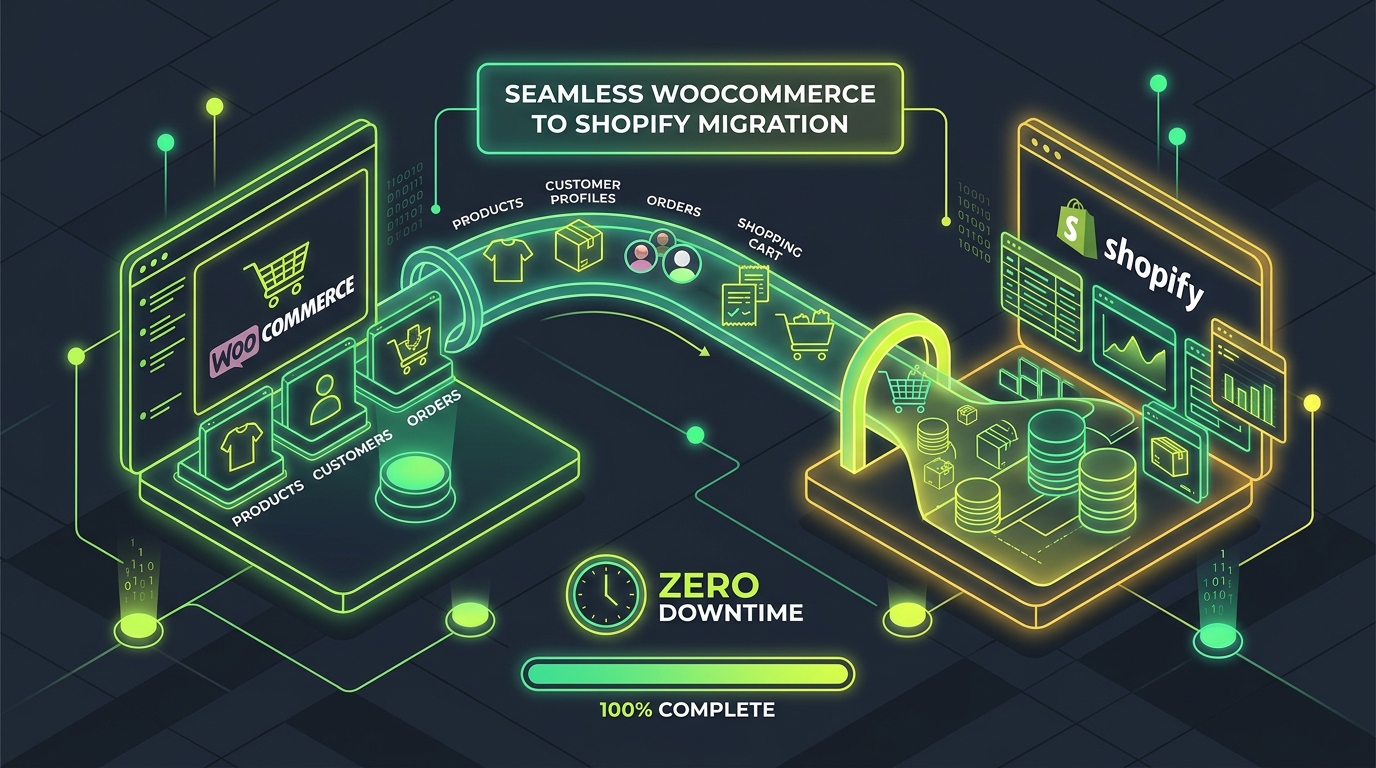
Migrating a scaling e-commerce brand doing $1M to $20M in annual sales from self-hosted WooCommerce to Shopify should accelerate revenue. Too often, however, poorly executed migrations trigger a 30% to 50% drop in organic search revenue, corrupt historical order accounting, and lock out loyal customers.
These failures do not stem from Shopify itself—they stem from treating an enterprise data migration as a simple "export CSV and import" operation.
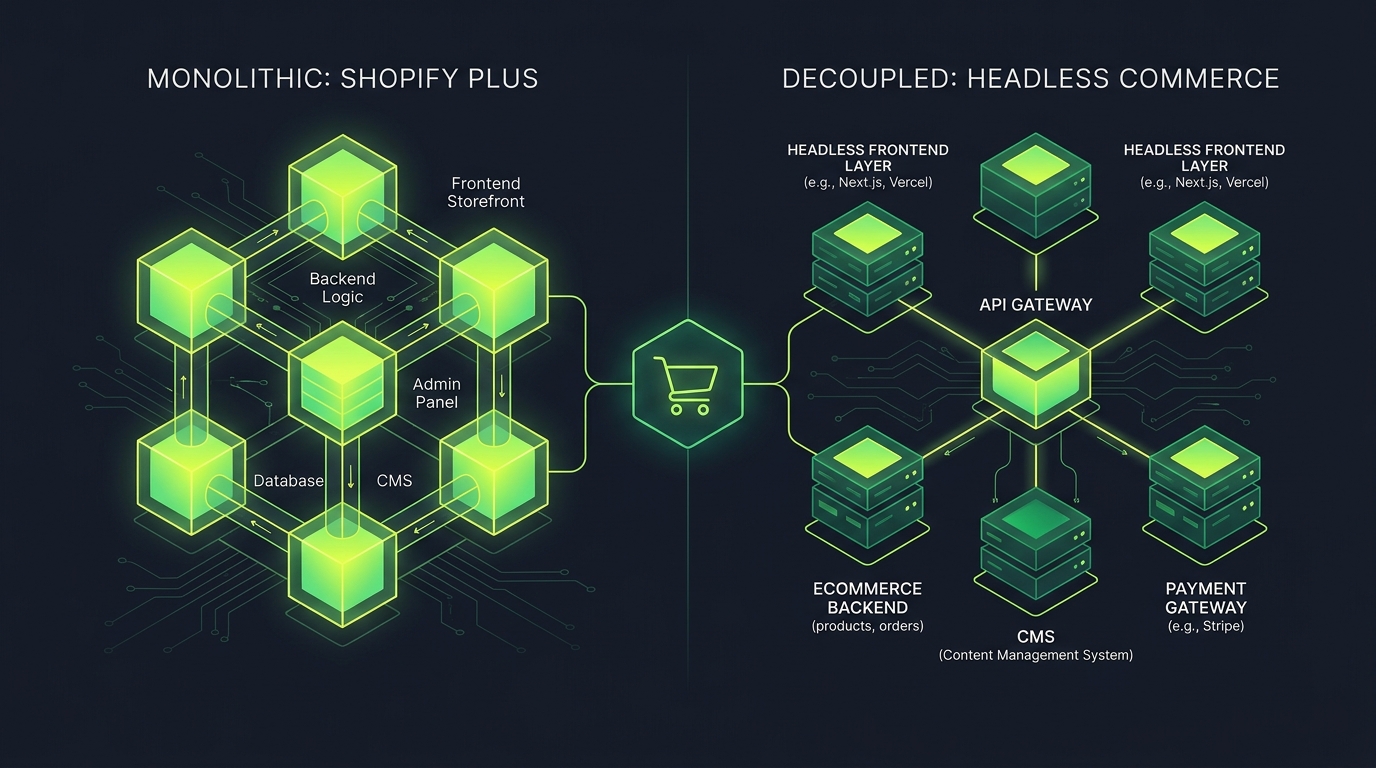
WooCommerce and Shopify possess fundamentally different relational data models:
- WooCommerce stores custom metadata, variants, and product attributes across dynamic WordPress post-meta tables.
- Shopify enforces strict metafield definitions, variant limits (100 variants per product max), and standardized collection taxonomies.
In this playbook, we outline the exact zero-downtime engineering methodology Elvantro uses to migrate complex, high-volume e-commerce catalogs to Shopify without losing ranking authority or sales.
Phase 1: Comprehensive Data Transformation & Schema Mapping
Never run a live import using off-the-shelf automated migration apps without validating data schemas.
1. Product Attributes to Shopify Metafields
WooCommerce allows arbitrary product attributes with custom HTML descriptions. In Shopify, these must be normalized into typed Metafields (e.g., custom.specifications, custom.materials) to maintain facet filtering and structured schema data.
2. The 100-Variant Ceiling
WooCommerce allows unlimited product variations. Shopify caps variants at 100 per product (unless using custom APIs or linked sibling products). Products with size, color, and material matrixes exceeding 100 variants must be split into parent-sibling product architectures linked via custom swatch metafields.
3. Historical Order & Tax Reconciliation
Historical orders must be migrated with their original financial status, line-item tax rates, and discount vouchers to ensure accounting reconciliation in your ERP and QuickBooks/Xero systems.
Phase 2: Preserving 100% of Organic SEO Traffic
The biggest risk during any platform replatforming is organic traffic evaporation. WooCommerce uses custom URL structures (/product/mens-wool-jacket/), whereas Shopify strictly enforces rigid URL hierarchies (/products/mens-wool-jacket).
The 301 Redirect Engineering Strategy:
- Full Crawl Extraction: Run a complete Screaming Frog / Sitebulb crawl of your active WooCommerce site to capture all indexed product, category, tag, and blog URLs.
- Deterministic URL Mapping: Generate automated 301 redirect mapping scripts that match old WooCommerce permalinks to new Shopify handle URLs.
- Upload to Shopify URL Redirects API: Pre-populate Shopify's native redirect engine before DNS cutover.
- Preserve Exact URL Slugs: Whenever possible, match the post-prefix handle identically (
mens-wool-jacket→mens-wool-jacket) to ensure Google transfers PageRank instantaneously.
Phase 3: Frictionless Customer Account Migration
Shopify's security architecture hashes customer passwords with a proprietary algorithm; you cannot directly import WooCommerce plaintext or MD5/bcrypt hashed passwords into Shopify.
How to Prevent Customer Dropoff:
- Import all customer names, emails, shipping addresses, and lifetime order history into Shopify via the Customer API.
- Tag migrated customers with
legacy_woocommerce_migrated. - Set up automated customer account activation triggers with customized email templates informing customers that the store has upgraded to a faster, more secure platform.
- Integrate seamless passwordless / one-time-code (OTP) login so returning buyers can checkout with zero friction.
Phase 4: Zero-Downtime DNS Cutover Strategy
The actual launch should happen without a single minute of site downtime or lost transactions:
- Freeze WooCommerce Catalog Writes: Temporarily disable product editing on WooCommerce 2 hours prior to cutover.
- Delta Sync of Recent Orders: Run an automated delta migration script capturing all new orders and customer registrations that took place during final staging.
- Lower DNS TTL: 48 hours prior to launch, reduce your DNS record Time-to-Live (TTL) to 300 seconds (5 minutes).
- Update A & CNAME Records: Point root domain and subdomains to Shopify's global edge infrastructure (
23.227.38.65andshops.myshopify.com). - Verify SSL Provisioning: Monitor Shopify's automatic Let's Encrypt certificate issuance immediately upon DNS propagation.
Post-Launch Verification Protocol (The First 48 Hours)
- Monitor Google Search Console for 404 crawl errors and verify 301 redirect responses.
- Test real transactions across credit card, Apple Pay, PayPal, and Klarna in live production.
- Verify inventory decrement sync across warehouse management (WMS) systems.
- Monitor tracking scripts and conversion API webhooks (Meta CAPI, GA4, TikTok Pixel).