

WooCommerce to Shopify migration checklist
Plan catalogue migration, URL redirects, integrations and launch checks when moving a WooCommerce store to Shopify.

Decide what must survive the move
Moving from WooCommerce to Shopify is a data and operations project as well as a design change. Inventory the existing store before selecting a theme. Record products, variants, images, collections, content, accounts, order history and integrations. Not every source field has a direct destination equivalent.
List the customer journeys that matter: discovering a product, choosing a variant, paying, receiving confirmation and requesting support. A migration is ready when those journeys work with the new systems, not simply when the homepage looks finished.
Make a URL and search inventory
Export important URLs and identify pages that receive organic visits, links or sales. Assign each useful old URL to the closest relevant new destination. Avoid sending all retired product URLs to the homepage, which is rarely a helpful replacement.
Preserve meaningful titles, descriptions, headings and content where possible. Test redirect destinations and eliminate chains. Keep copies of the old sitemap and URL mapping so the launch can be reviewed later.
- Map products, categories, guides and important campaign pages.
- Check image references, internal links and canonical URLs.
- List pages that should be intentionally retired rather than redirected.
- Record Search Console performance before launch.
Rehearse with a representative data sample
Test simple products, complex variants, out-of-stock products and items with unusual characters. Compare counts and relationships, not just whether a CSV import completed. Review image quality, prices, currencies, tax settings, shipping rules and discount behavior.
Customer credentials, historical orders and subscription contracts may need special handling or may be constrained by the destination platform and migration method. Confirm the actual supported behavior before promising seamless transfer.
Test the full order lifecycle
Use appropriate test methods to check checkout, payment status, order notifications, fulfilment and refunds. Test the markets your business actually serves, including mobile layouts and relevant address formats. Confirm that staff can find and manage orders in their new workflow.
Review every app connection and remove obsolete access. The new storefront should not inherit unnecessary scripts simply because the previous store had them. Check analytics with consent accepted and declined, and avoid recording customer details in analytics events.
Launch with a recovery plan
Agree the final data sync, change freeze, DNS responsibility, redirect release and support coverage. Keep a recoverable backup of the previous store and document what would trigger rollback. Account for orders arriving during the transition.
After launch, check redirects, 404s, canonical URLs, the sitemap and order flow. Monitor Search Console and commercial metrics against the baseline. Search visibility can fluctuate after a migration; no agency can guarantee an immediate ranking improvement.
Continue Reading
Recommended Engineering Deep Dives
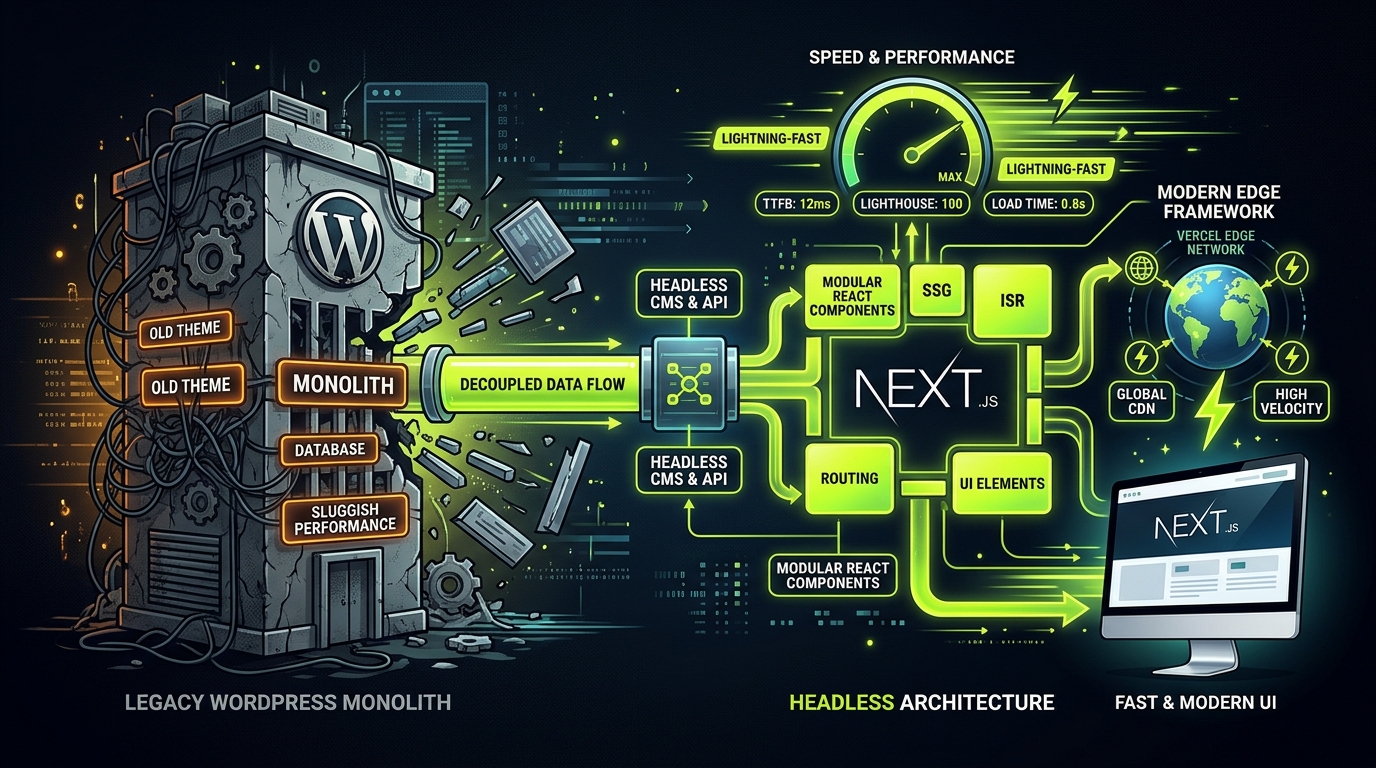
Modernizing Legacy WordPress Sites: When to Refactor, Decouple, or Rebuild
A strategic technical evaluation for mid-market businesses running slow WordPress websites with 50+ plugins. Learn when to refactor, go headless with Next.js, or rebuild from scratch.
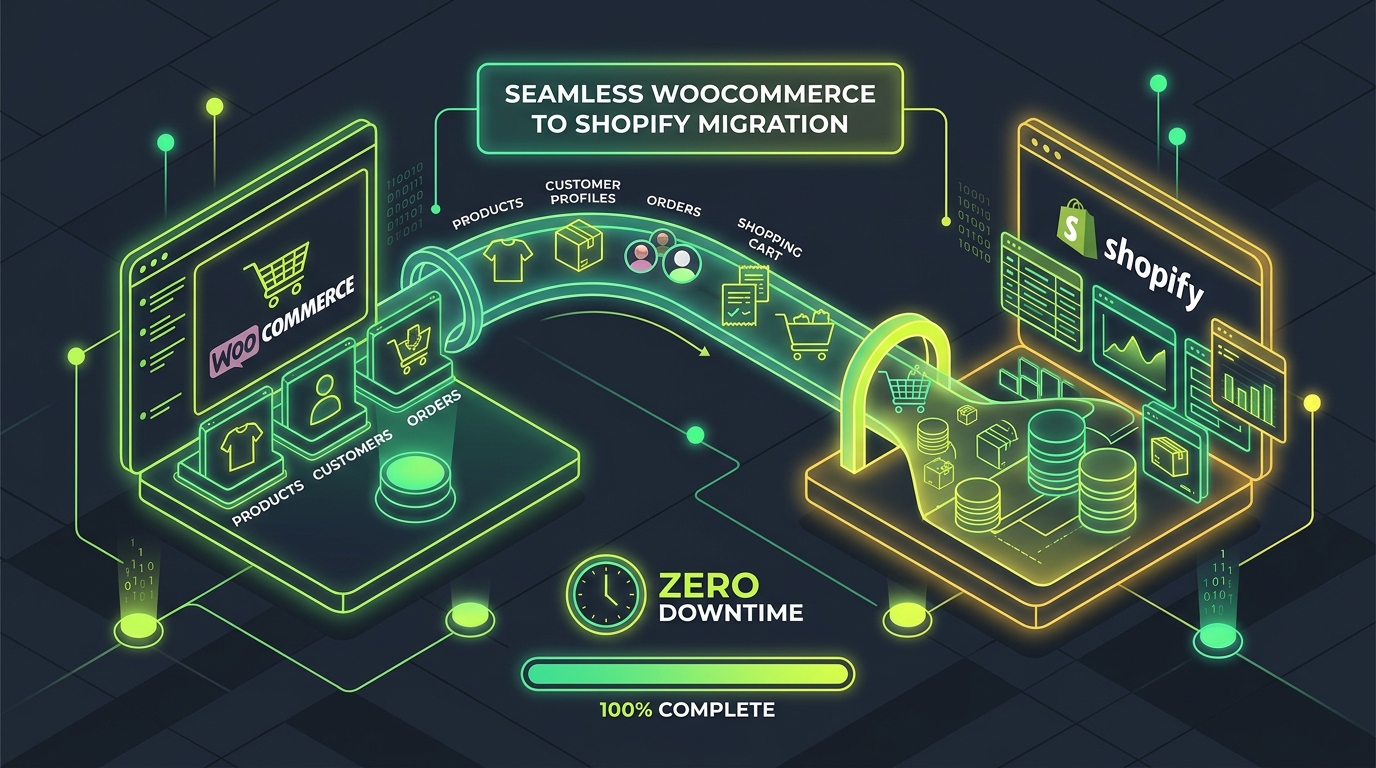
Zero-Downtime WooCommerce to Shopify Migration: The Technical Engineering Playbook
The definitive technical guide for migrating 7-figure WooCommerce stores to Shopify. Protect historical order data, preserve 100% of organic SEO traffic, and ensure seamless customer accounts.
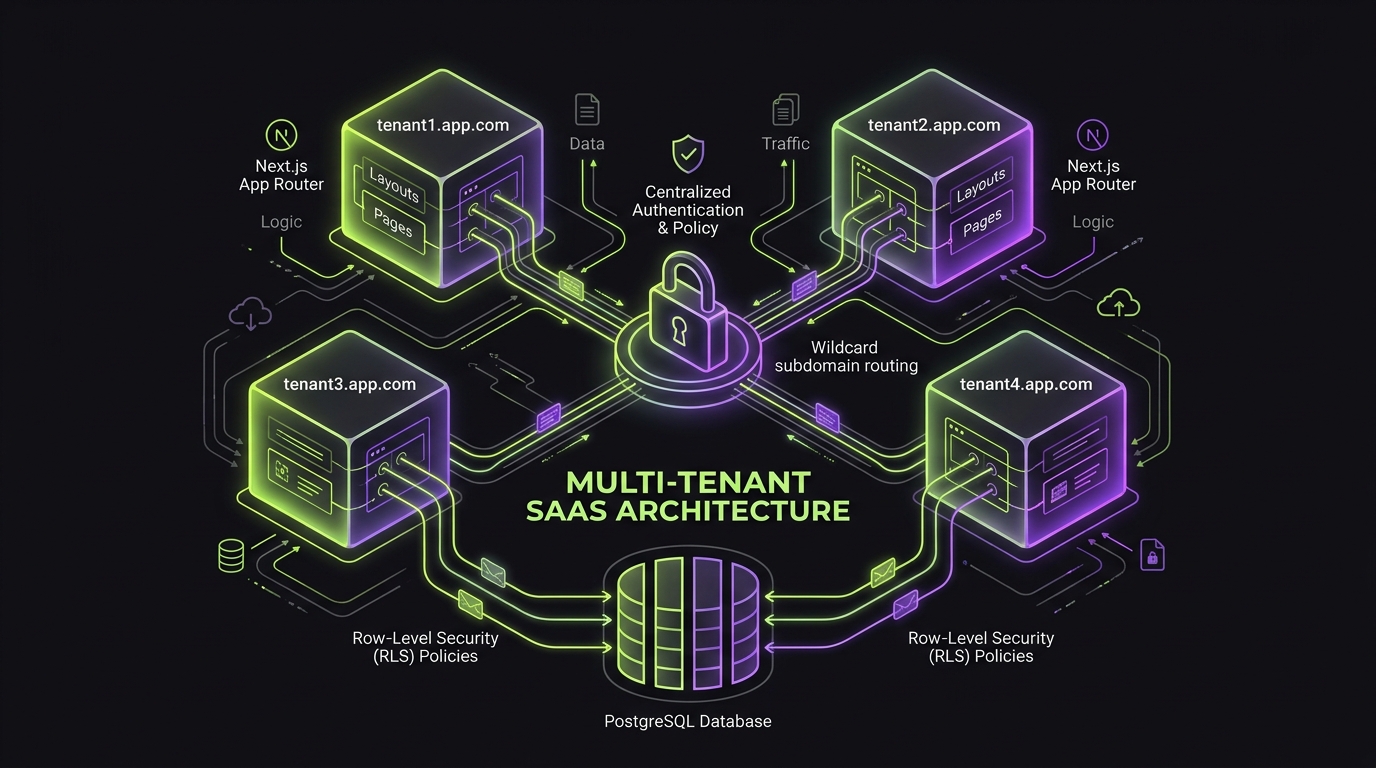
Multi-Tenant SaaS Architecture: Next.js App Router, Subdomains, and PostgreSQL RLS
Engineering blueprint for building high-compliance B2B SaaS. Implement wildcard subdomain routing, tenant isolation, and bulletproof PostgreSQL Row-Level Security.
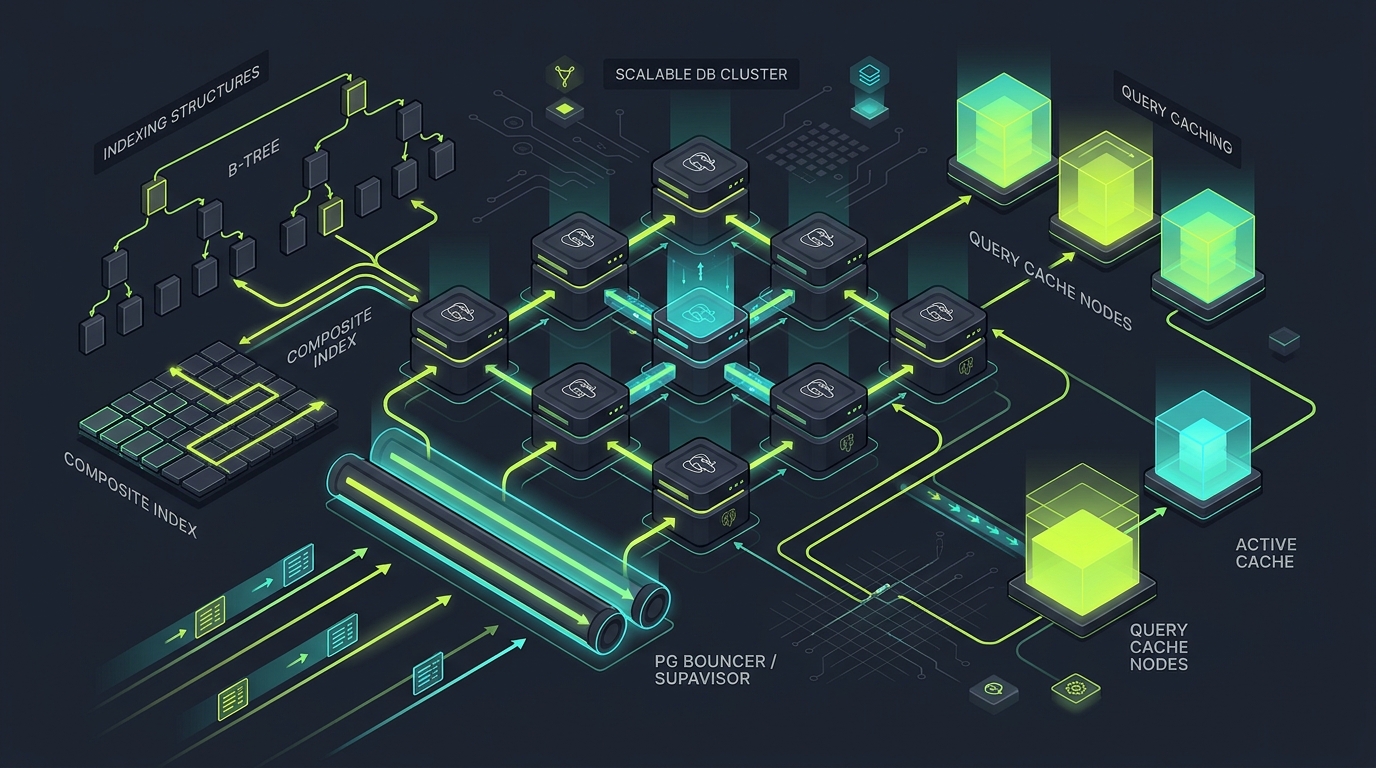
PostgreSQL Optimization at Scale: Eliminating 90% of Next.js Serverless Latency
Practical engineering guide to fixing slow Next.js API routes and database bottlenecks. Master connection pooling with Supavisor, composite indexing, partial indexes, and N+1 prevention.